01 · Question
What did the researchers want to learn?
Research paper to video · Academic explainer
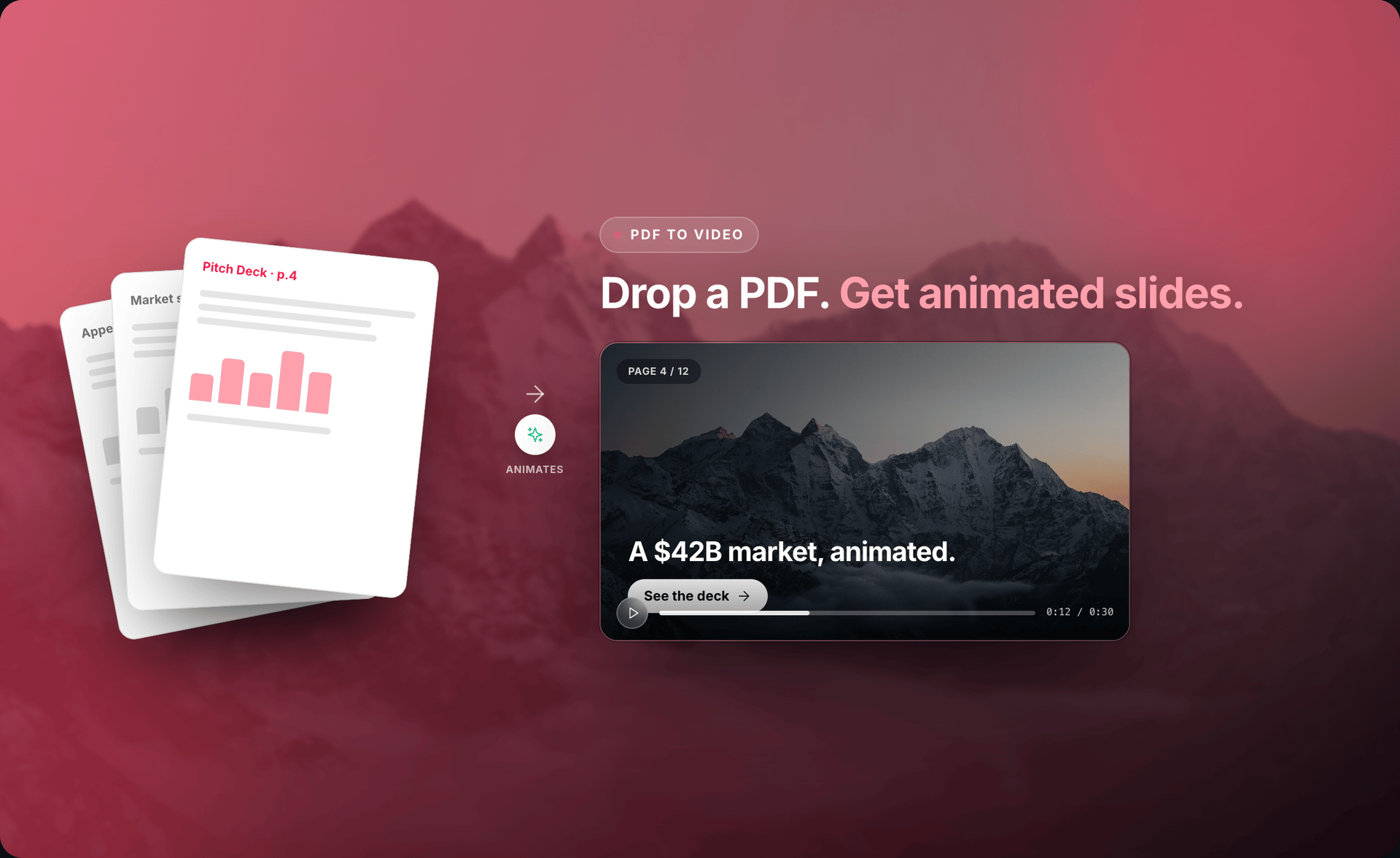
Upload the paper. Source To Video turns the question, key finding, and impact into an editable first cut. You check every claim and decide what is ready to share.
Built for a careful first draft — not automatic publication.
Why video from a paper
A paper is written for experts who have time to read it closely. A video can help a wider audience understand the question, the main finding, and why it matters before they choose to read the full work.
01 · Question
What did the researchers want to learn?
02 · Finding
What result does the paper actually report?
03 · Impact
Why might this matter, and to whom — without overstating the claim?
Storyboard example only. The right wording must come from your paper.
Workflow
The paper gives the project its facts and structure. Source To Video helps with the first pass, while clear review points keep you in control.
01
Choose the PDF on your computer. Source To Video reads available text, headings, captions, and visual cues. Check the extraction, especially for scans and complex layouts.
02
A conference teaser, classroom guide, public summary, and internal briefing need different language. Set the audience before drafting.
03
Pick the main question and finding. Keep the method, evidence, uncertainty, and limits needed for a fair reading.
04
Source To Video drafts narration and visuals. Check claims, numbers, labels, citations, causal language, and whether a visual changes the meaning.
05
Request broad changes in chat or work in Studio. Watch the full preview, check the source, and render locally when the story is ready.
Accuracy first
Dense text can become shorter narration. A method can become a sequence. A figure can guide a cleaner chart or diagram. These changes can make the work easier to understand.
They also create room for error. A short script may lose a condition, or an icon may suggest cause when the paper only reports a link. Check every line, caption, value, unit, axis, uncertainty, and stated limit.
Source To Video helps make the draft. A qualified human approves the research story.
Who it helps
A video gives a new audience a clear starting point. The paper remains the source for methods, evidence, references, and full detail.
Share a paper launch or conference preview beyond the immediate field.
Open a lesson with a visual map, then return to close reading.
Give busy viewers a careful first view before a longer briefing.
Explain published work to teams without hiding its limits.
One paper, many cuts
Make a short paper launch, a classroom explainer with more method context, a visual abstract for a lab page or conference screen, or an internal briefing. Always link to the paper and label interpretation as interpretation.
00:00
Give viewers a reason to listen without turning the result into hype.
00:12
Use a simple sequence to explain what was compared or measured.
00:28
Focus on the evidence and keep the wording as careful as the source.
00:44
Say what may follow, what does not follow, and where to read more.
Editable first cut
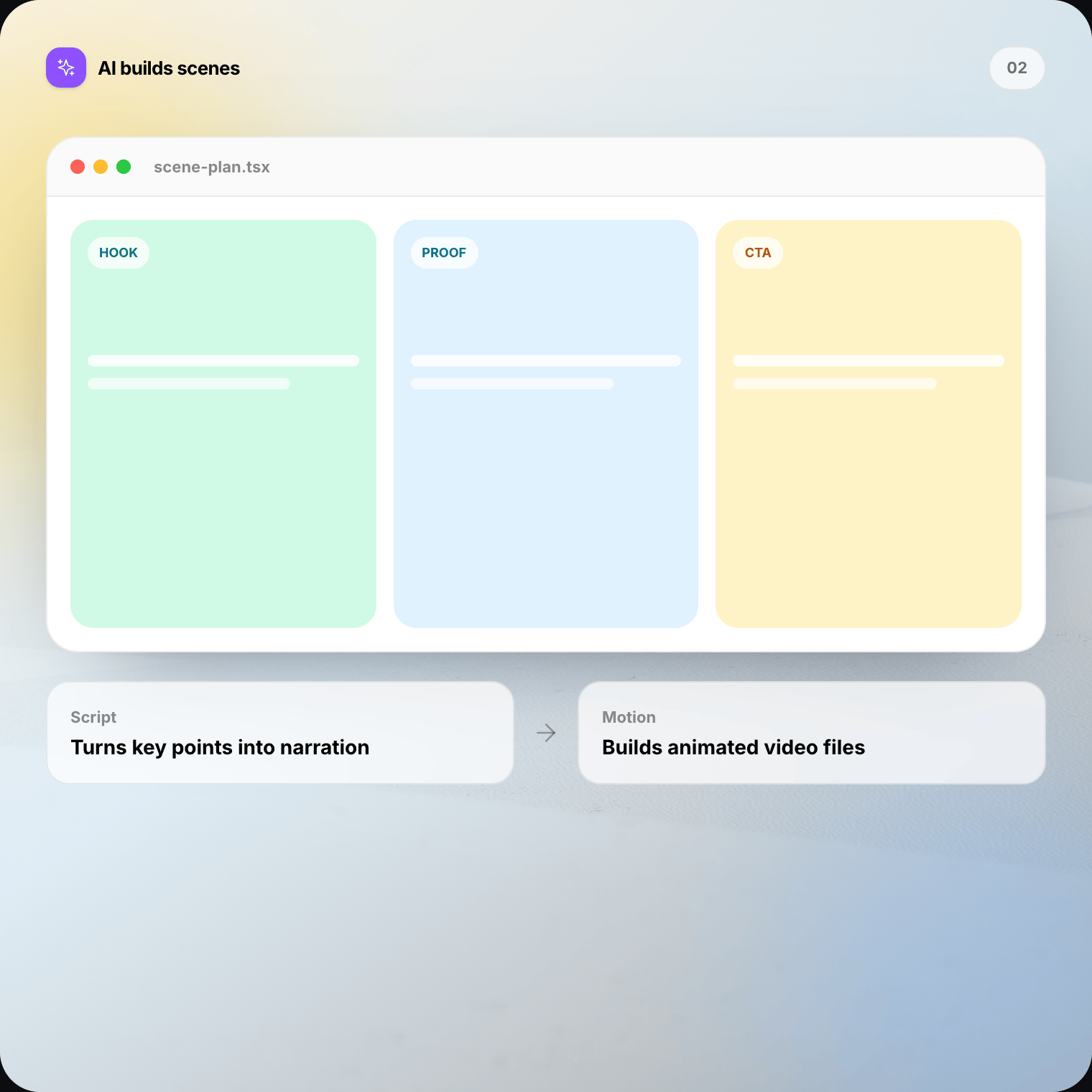
Use project chat to shorten the opening, move the method, add a missing limit, keep careful causal language, or simplify a term.
In Studio, edit narration, labels, timing, colors, citation cues, or how long a figure stays on screen. Preview again so voice, text, and motion agree — and so “associated with” never quietly becomes “caused.”
Local-first, honestly
Project editing, preview, files, and final rendering stay on your Mac or Windows computer.
Edit, preview, save, and render locally.
Check the selected provider and its data terms.
You decide where the finished file goes.
Before using unpublished or restricted material, check your policy and provider settings. Local rendering alone does not make AI requests private.
Choose the right source workflow
Use research paper to video
Choose this for papers and preprints where the question, method, finding, uncertainty, and limits need careful treatment.
Use regular PDF to video
Choose regular PDF for whitepapers, guides, brochures, product documents, and decks that do not need a research-specific evidence frame.
Open PDF to video →What you keep
A research explainer still needs judgment. Source To Video reduces blank-page work so you can focus on accuracy.
Manual work starts with outlining and testing angles. Source To Video proposes a source-led question → finding → impact path to accept or change.
Instead of a blank page, you get a narration draft. You still check context, wording, and certainty.
Text, process steps, and figure cues become editable directions that need source review.
Request broad edits in chat and make direct scene changes in Studio.
FAQ
Straight answers on paper-to-video workflows, accuracy, figures, confidential research, and when to use PDF instead.
It means using a paper as the source for an editable video project. Source To Video drafts a story around the question, findings, and meaning. You review claims, numbers, and limits before sharing.
Download Source To Video for Mac or Windows. Import the paper, review every claim, edit the scenes, and render the final video on your machine.