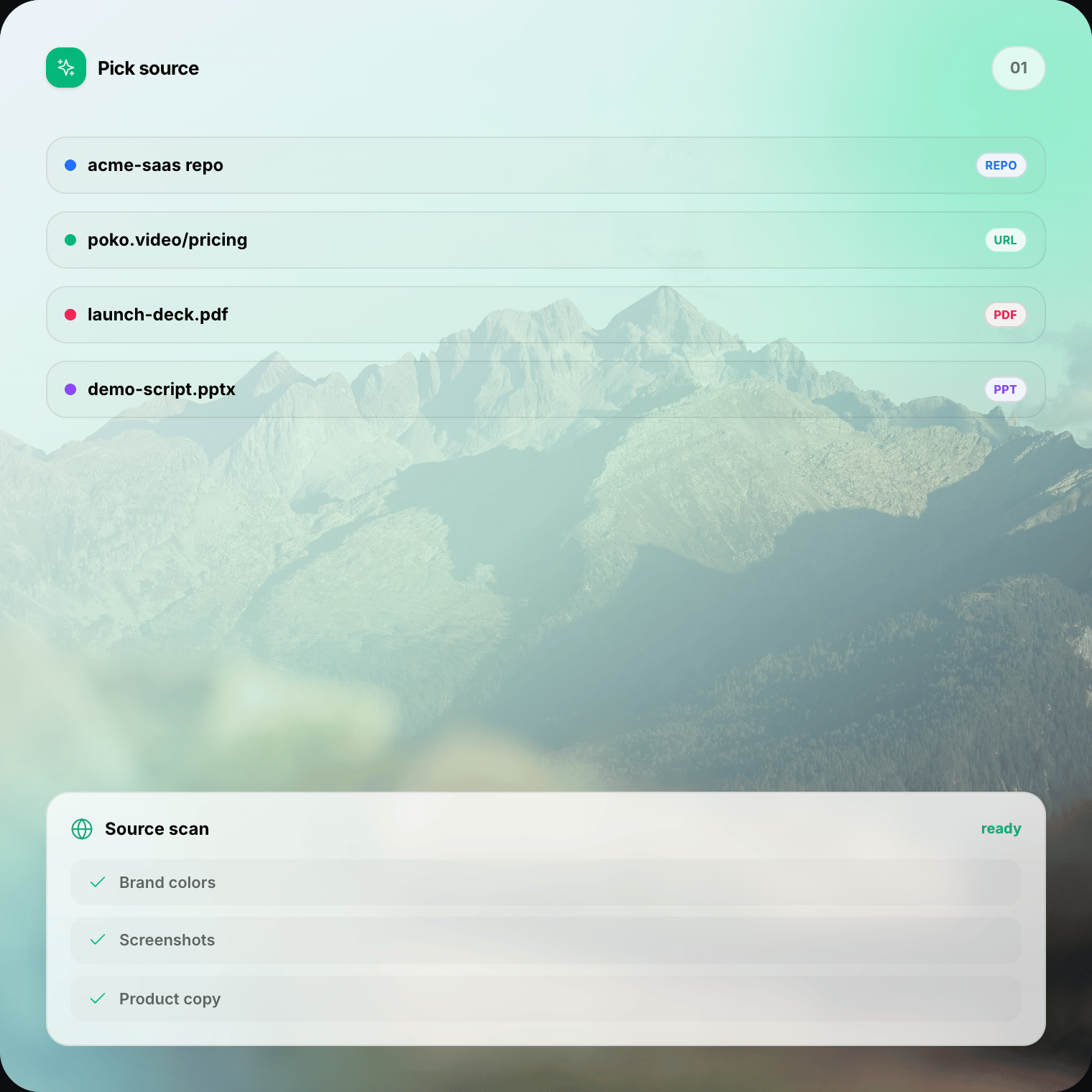
01
Choose your source
Point STV at a project repo, public URL, PDF, PowerPoint deck, research paper, or narrated recording. The agent reads useful context and brand cues.
Source To Video
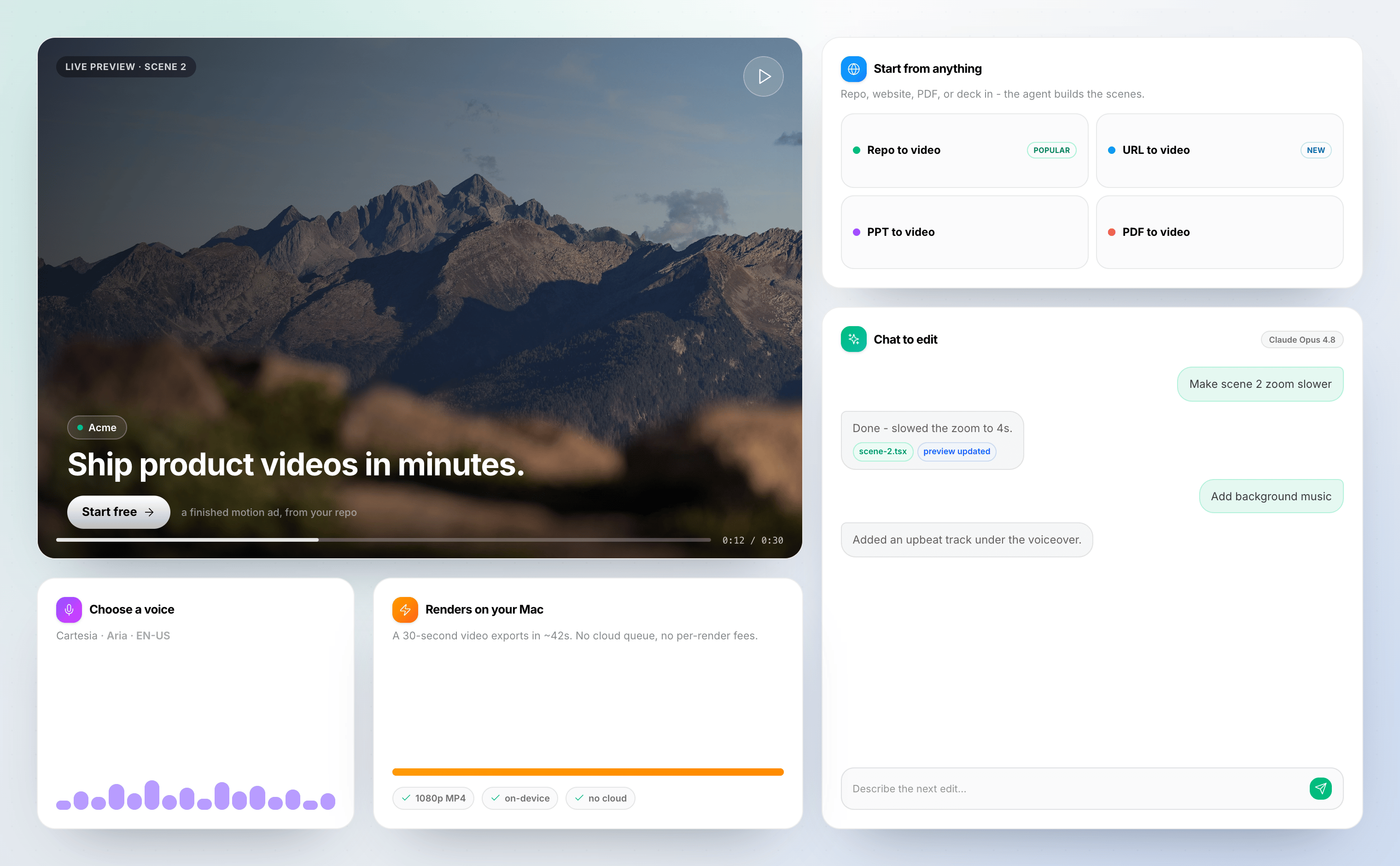
STV reads the source you already have, drafts an editable product video, and renders the MP4 on your Mac or Windows machine — no cloud render queue.
Repo · URL · PDF · PPT · Research · Recording — one desktop studio.
Workflow
No upload wait for your private files. No render farm. Your hardware builds the video while you stay in control of the story.
01
Point STV at a project repo, public URL, PDF, PowerPoint deck, research paper, or narrated recording. The agent reads useful context and brand cues.
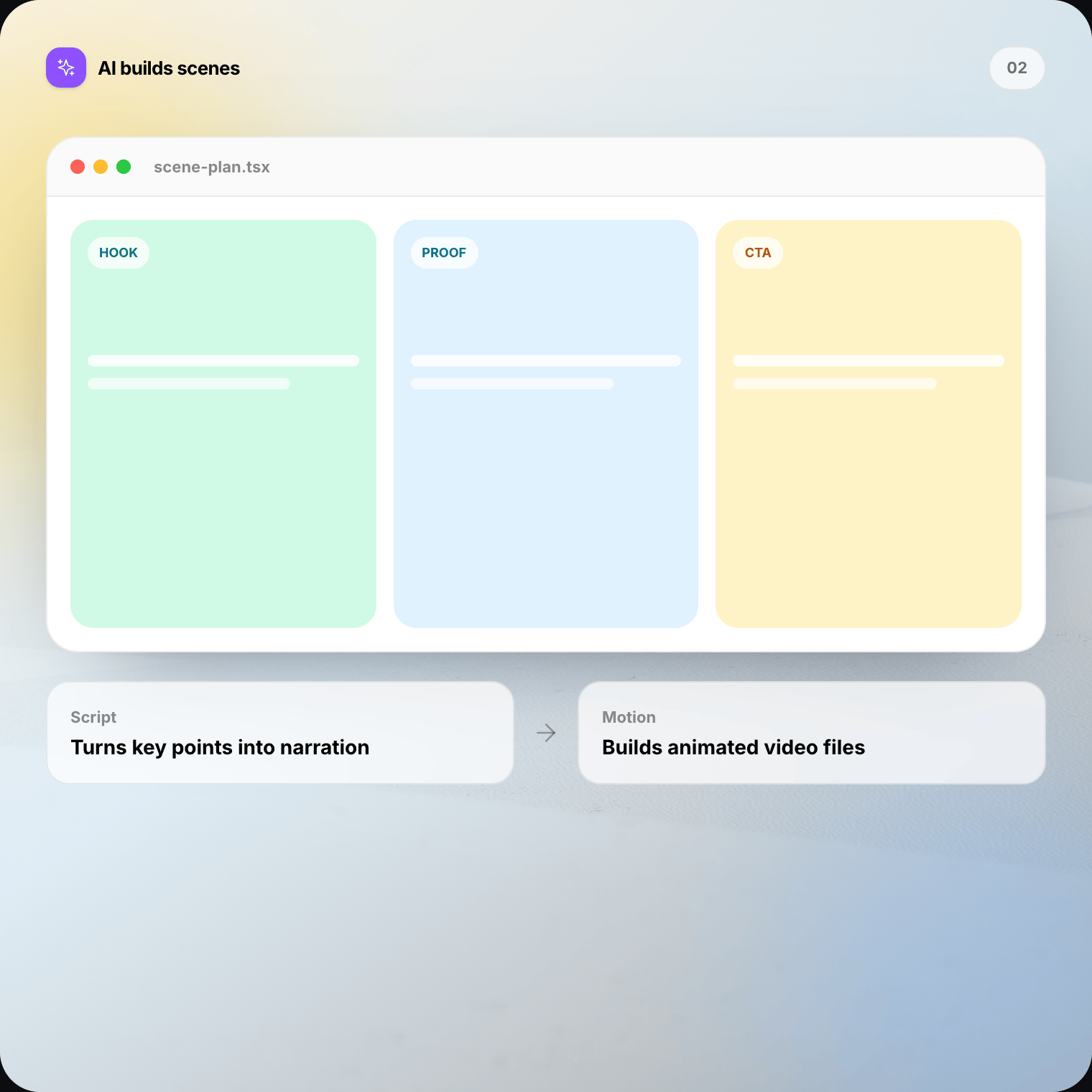
02
The agent drafts a script, lays out scenes, and adds motion. Watch a live preview update as the project takes shape — no blank timeline.
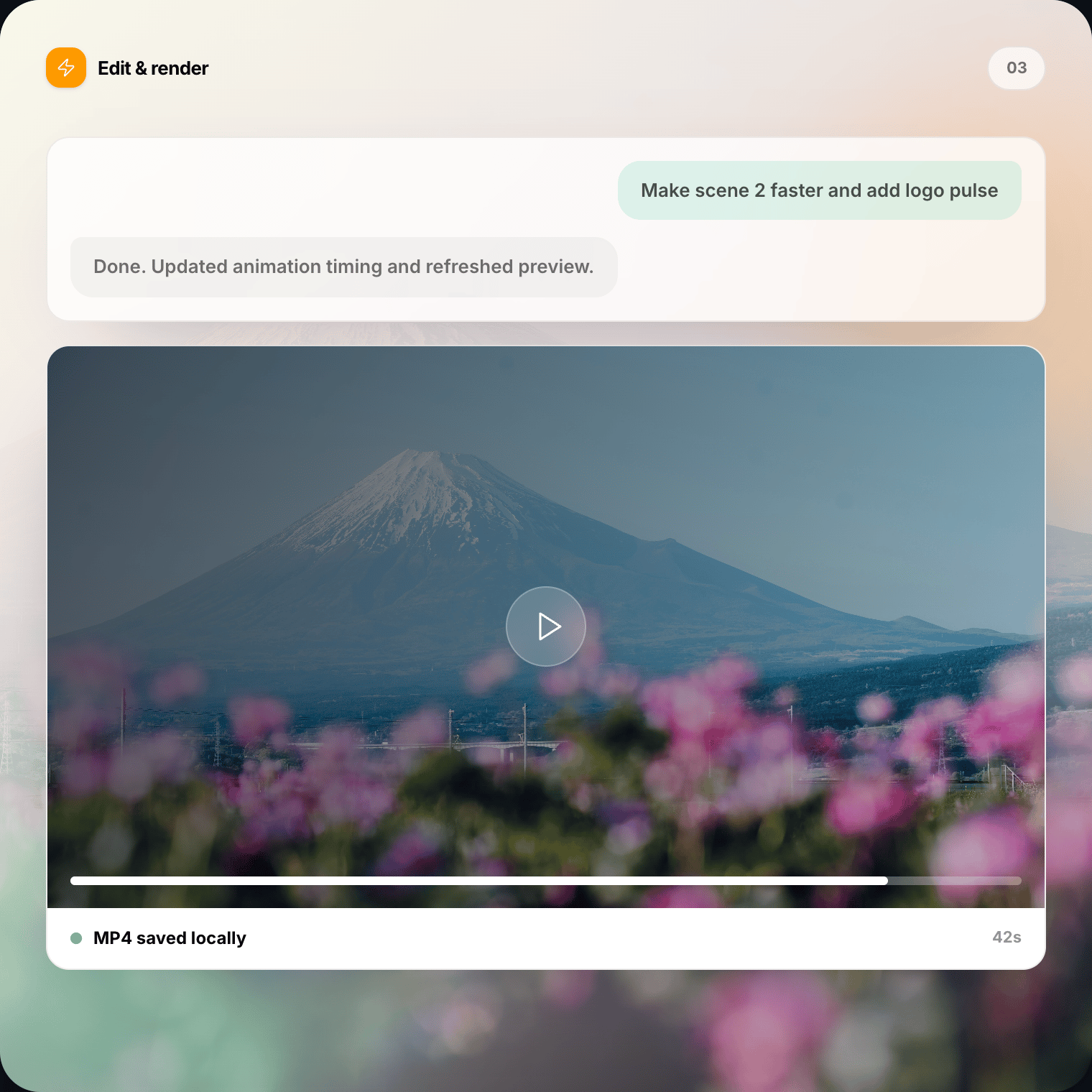
03
Ask for changes in plain English, tune scenes in Studio, then export an MP4 to your Downloads folder. Your machine does the render.
Six inputs
Source To Video is built around real product materials — not stock templates. Pick the format that matches your launch, then open a project you can still edit.
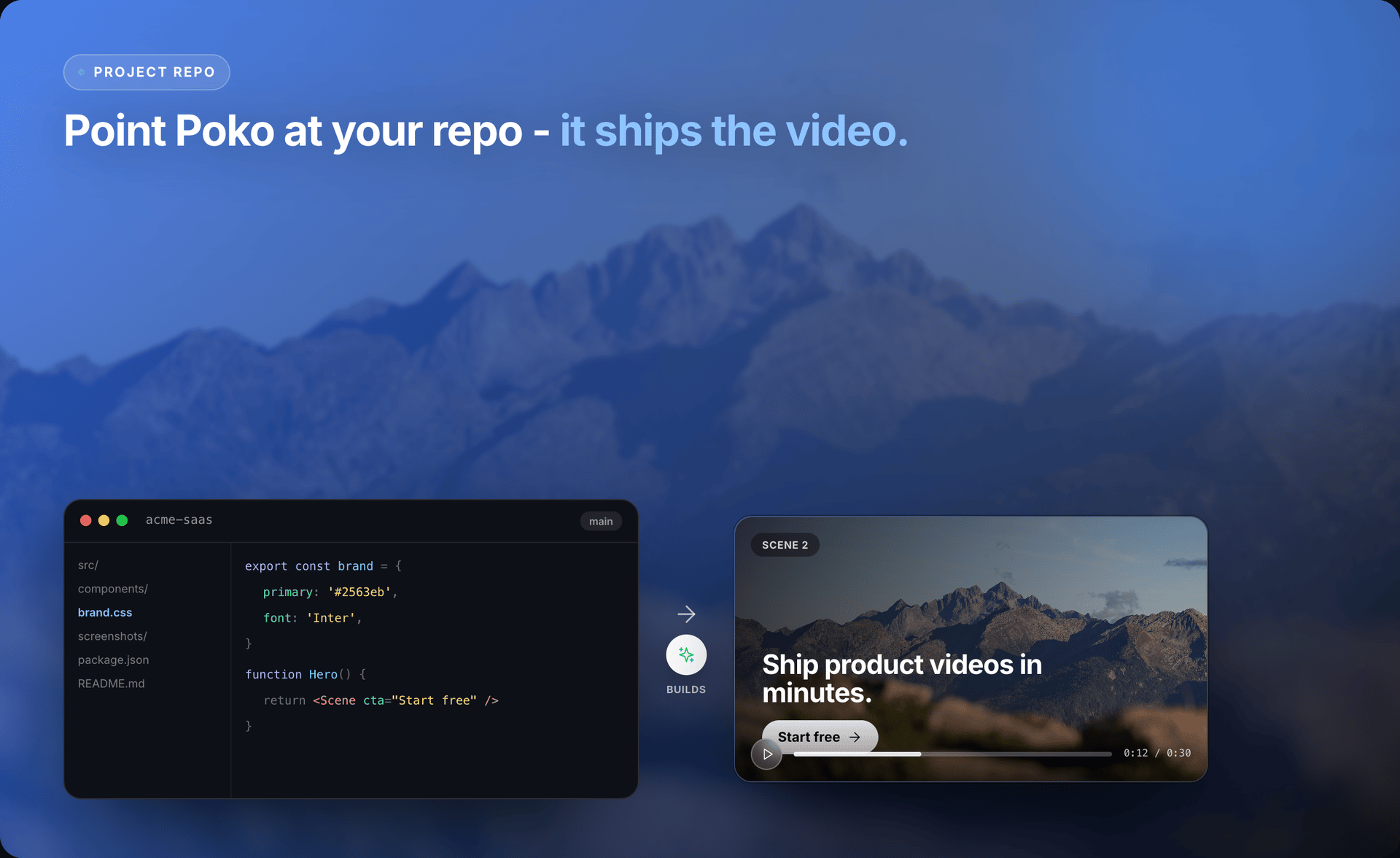
Select a local SaaS, design, or marketing project. STV finds README copy, UI assets, colors, and screenshots, then drafts an editable demo.
Explore repo to video →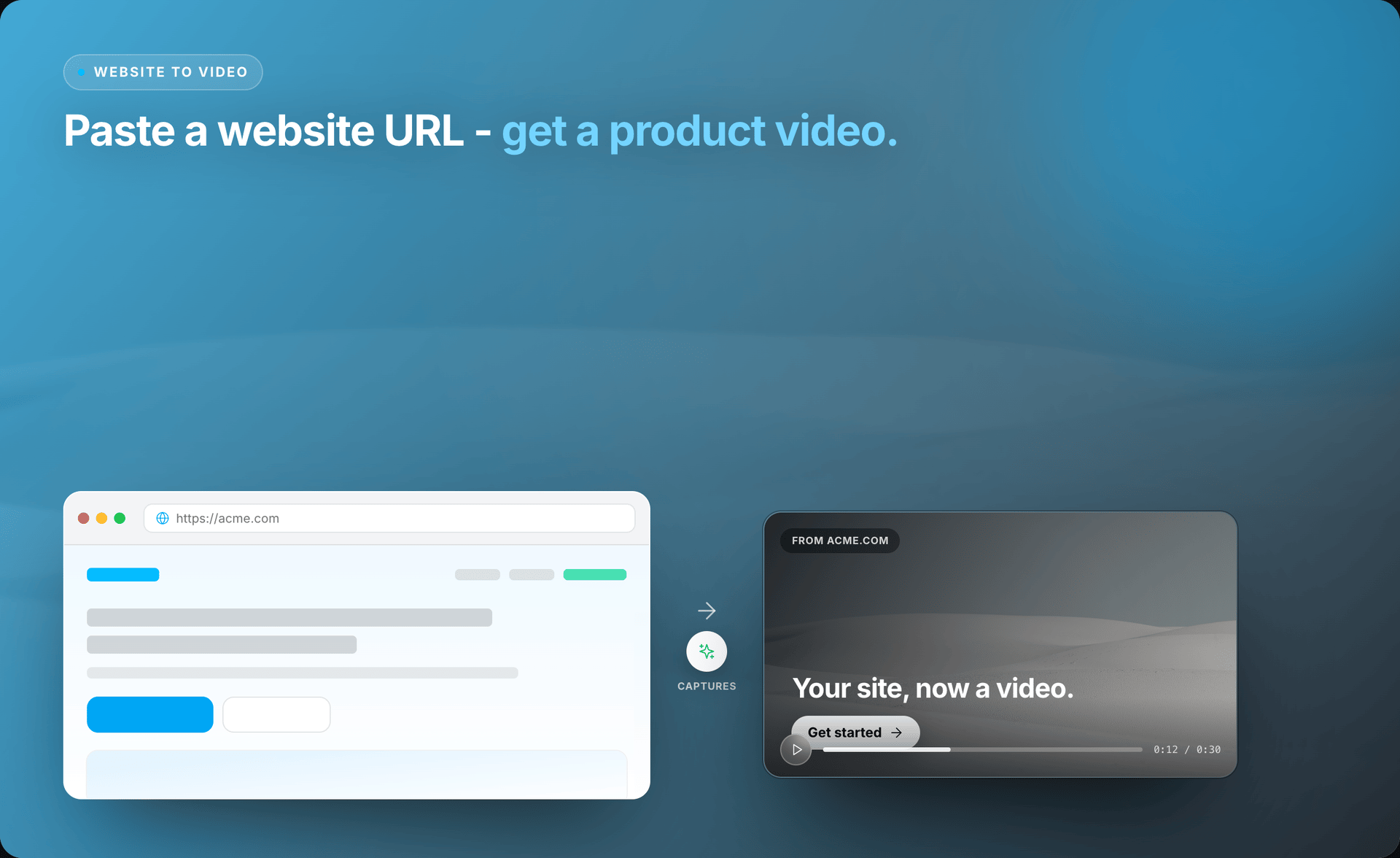
Give STV a public landing page. It captures message, visuals, and CTA structure, then builds scenes you can still rewrite.
Explore website to video →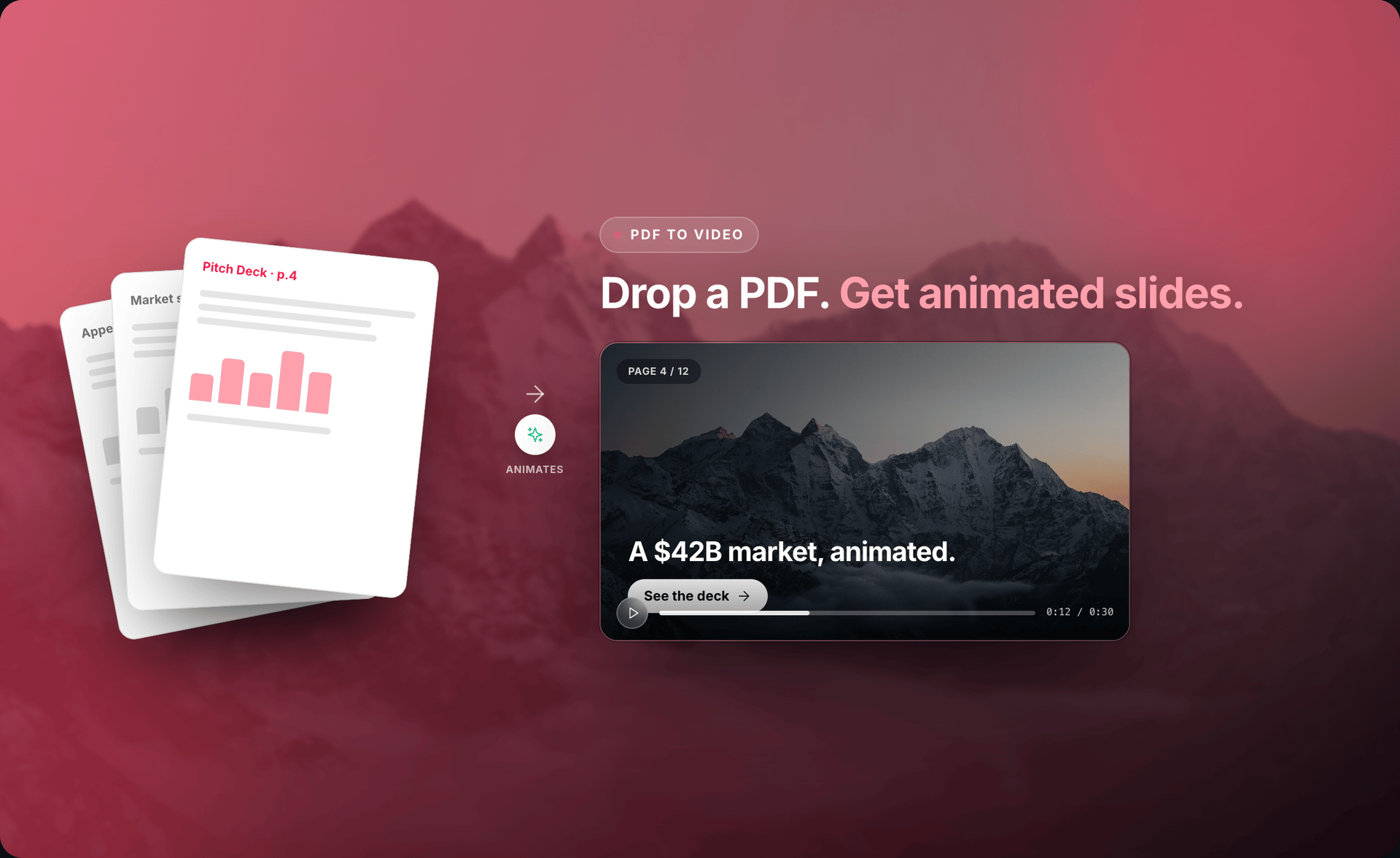
Whitepapers, reports, and guides become paced motion videos with narration drafts grounded in the document.
Explore PDF to video →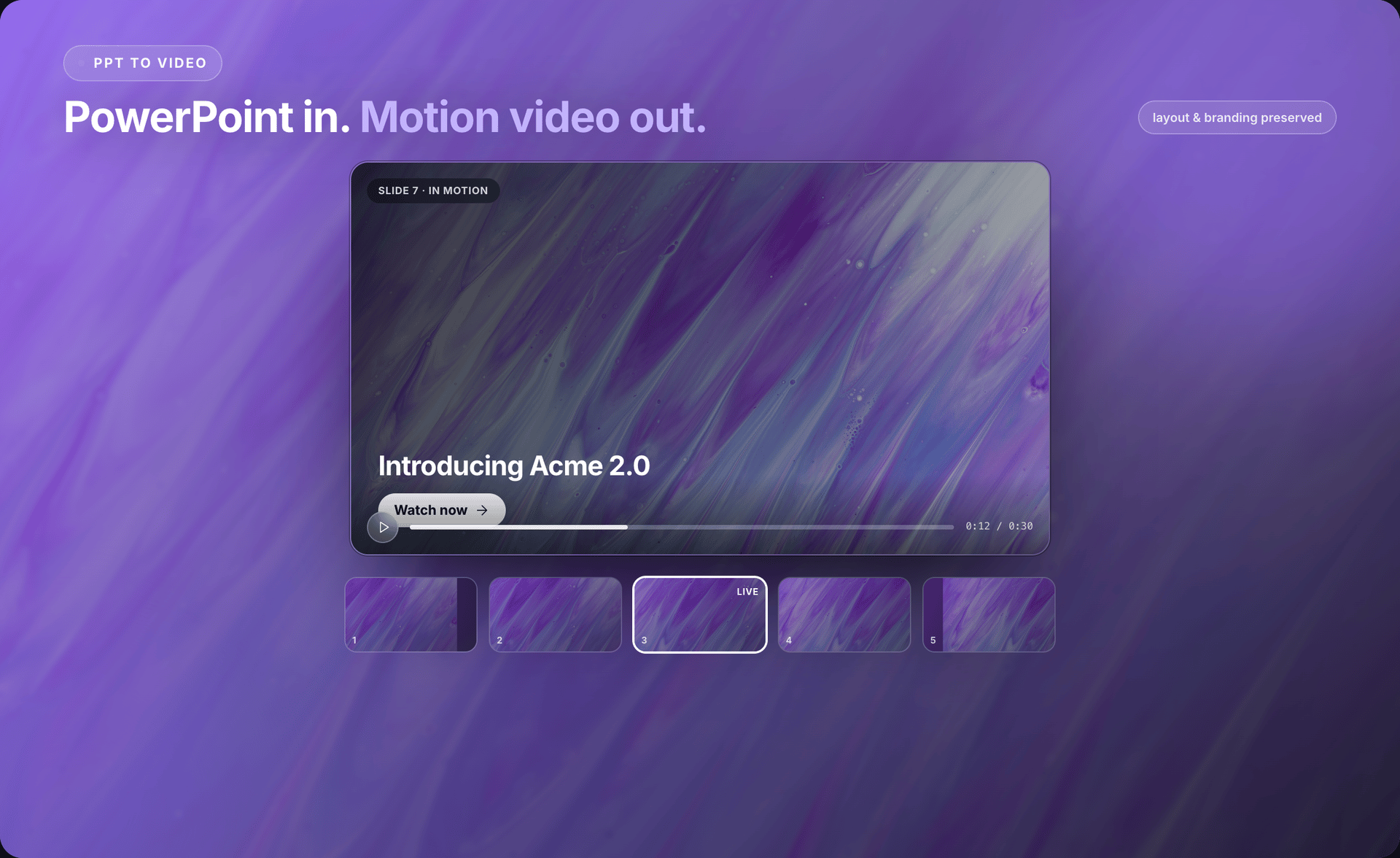
Keep the deck’s order and brand direction while STV restructures dense slides into watchable scenes.
Explore PowerPoint to video →Turn research into a careful explainer around question, evidence, and impact — with human review before you share.
Explore research paper to video →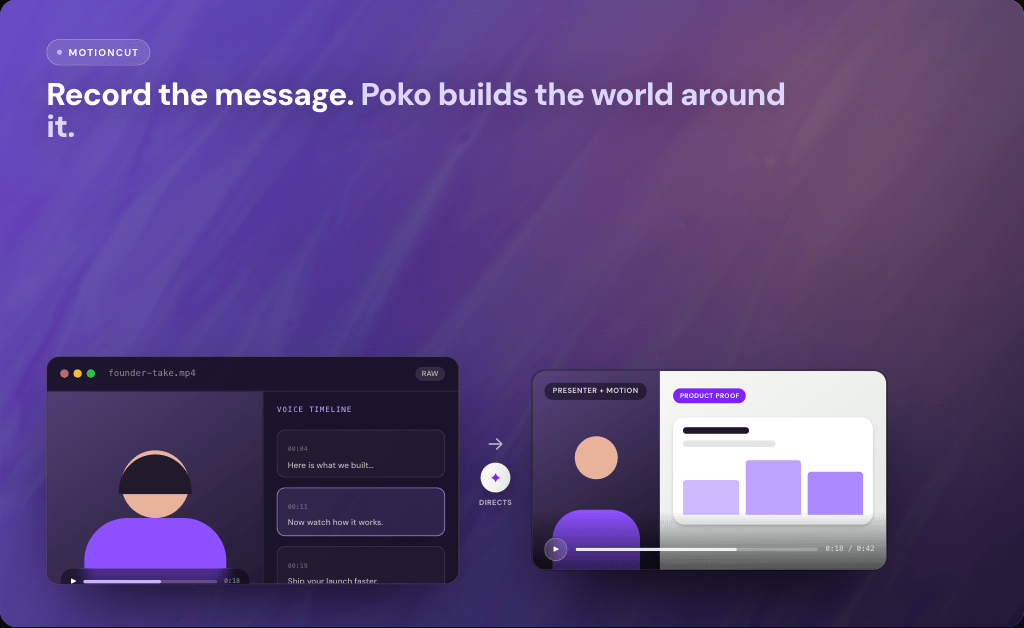
Upload a raw narrated take. STV preserves presenter moments and builds product cutaways, crops, and graphics around them.
Explore recording to video →Recording to video
Upload a raw narrated recording. STV keeps the presenter moments that matter and builds product proof, smart reframing, motion graphics, and transitions around your original delivery.
Agent canvas
Watch projects work live, queue parallel agents automatically, and arrange client work with a Figma-style infinite board — included with STV.
Run multiple builds at once. When you hit your plan’s limit, new jobs wait and start the moment a slot opens.
Drop text labels, group cards, and keep each workspace layout saved exactly where you left it.
Pan an infinite canvas, move project cards freely, and snap into a visual production board.
Who it’s for
Whether you ship your own product or produce for clients, STV turns existing source into polished motion videos.
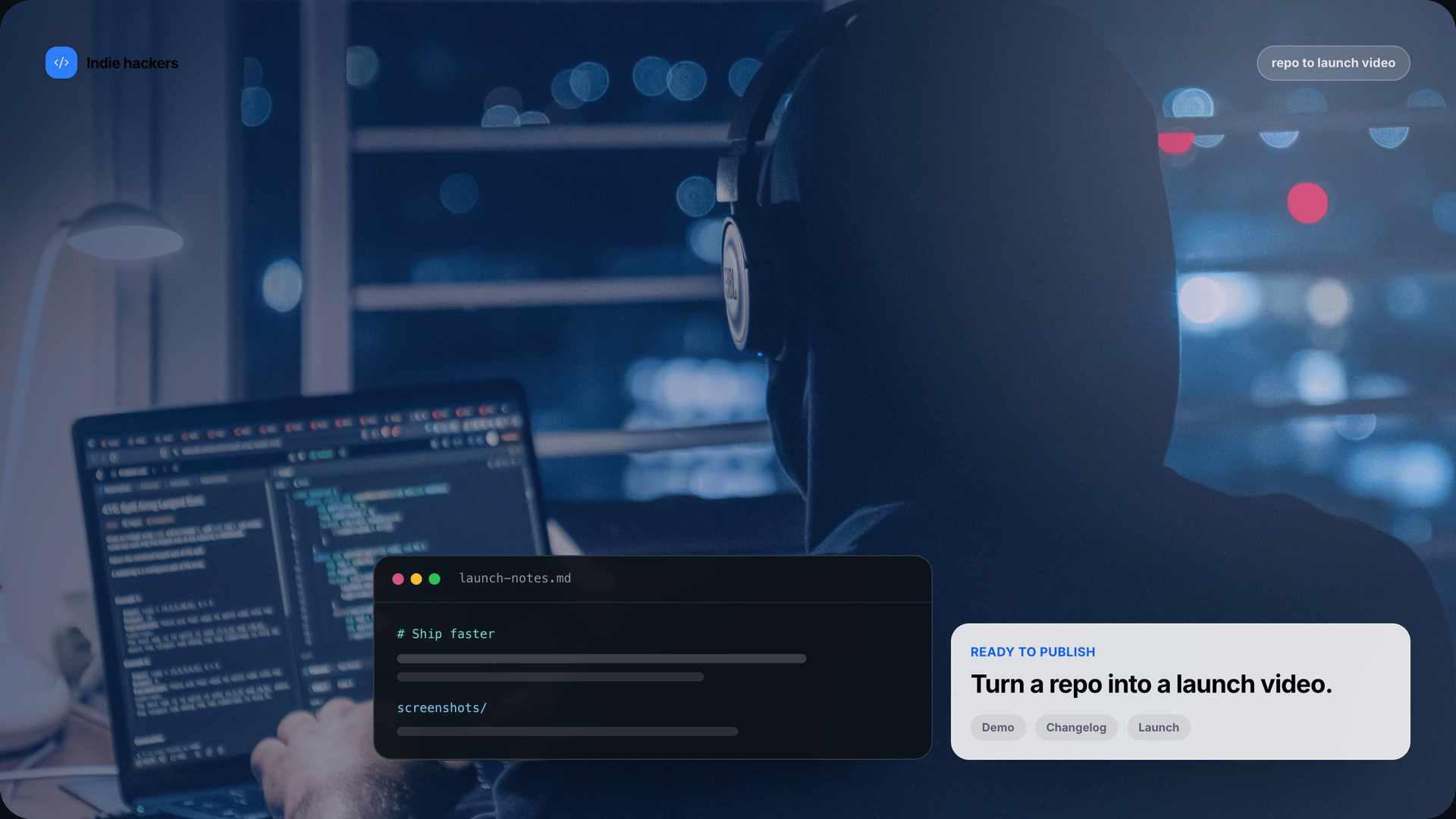
Turn a repo, changelog, or launch page into a demo without waiting on an editor.

Spin social ads, site promos, and explainers from assets your team already approved.
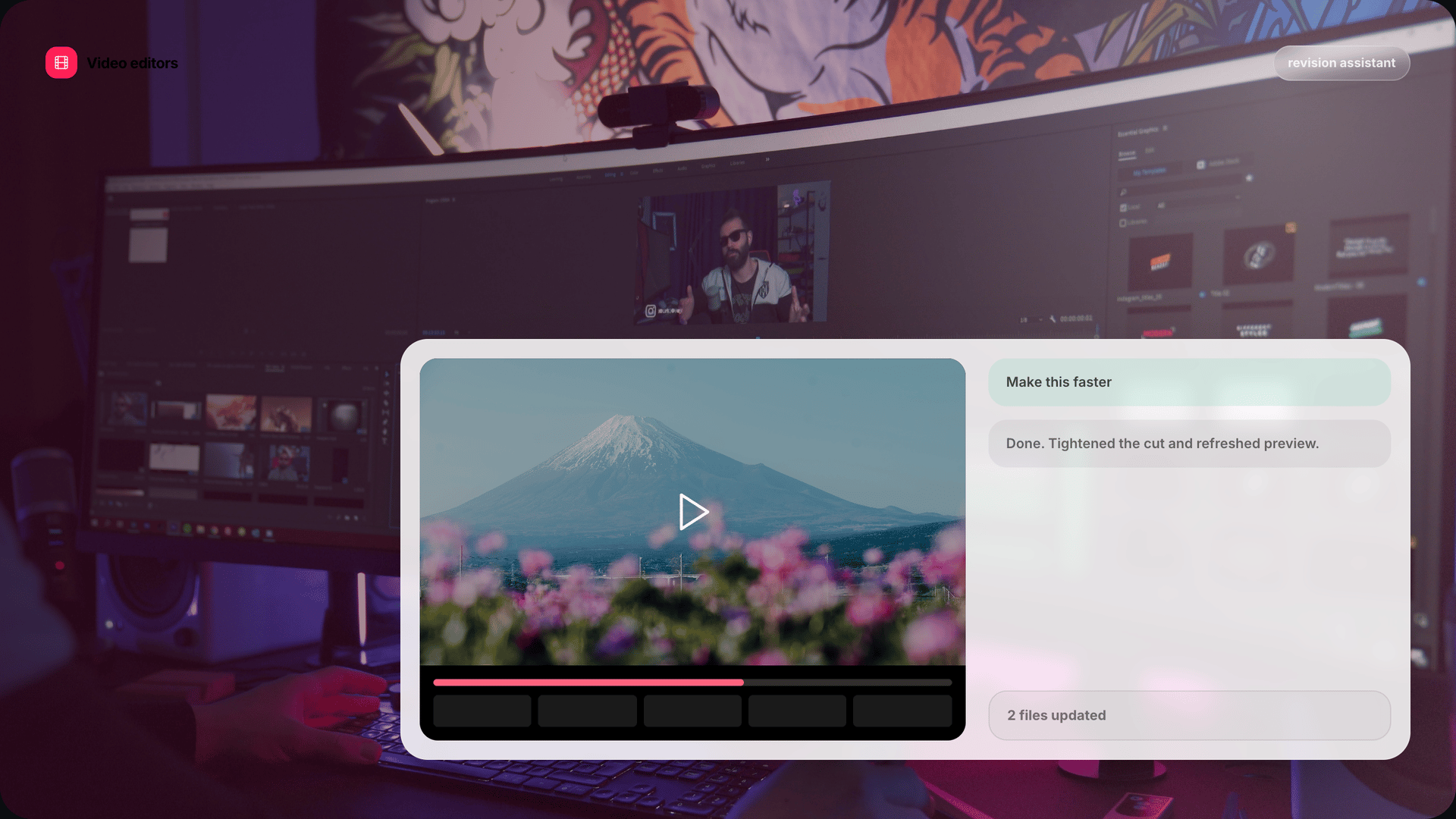
Use STV for fast first cuts, animated decks, and concept exploration before deep timeline work.

Run client work in parallel with workspaces, queued agents, and local renders that protect source files.
Local-first
Source To Video runs the agent on your hardware. Repos, decks, documents, and rendered MP4s remain local. Only model excerpts needed for a response travel over the network.
Read setup guidesProject folders, generated scenes, and exports live on disk — not as a cloud render job.
Website-to-video captures the public page you paste so STV can read visible content.
Prompt bodies and file excerpts are not kept as lasting project content after the model responds.
Eligible plans can bring your own AI key so supported providers bypass the default proxy path.
Questions
Straight answers on sources, privacy, platforms, and editing — written for founders and product teams evaluating STV.
STV supports local project repos, public website URLs, PDFs, PowerPoint (.pptx) files, research papers, and raw narrated recordings. Each source opens as an editable motion-video project in the desktop studio.
Get the desktop app
Your machine. Your files. Your video. Download Source To Video (STV) for Mac or Windows and start from the source you already trust.